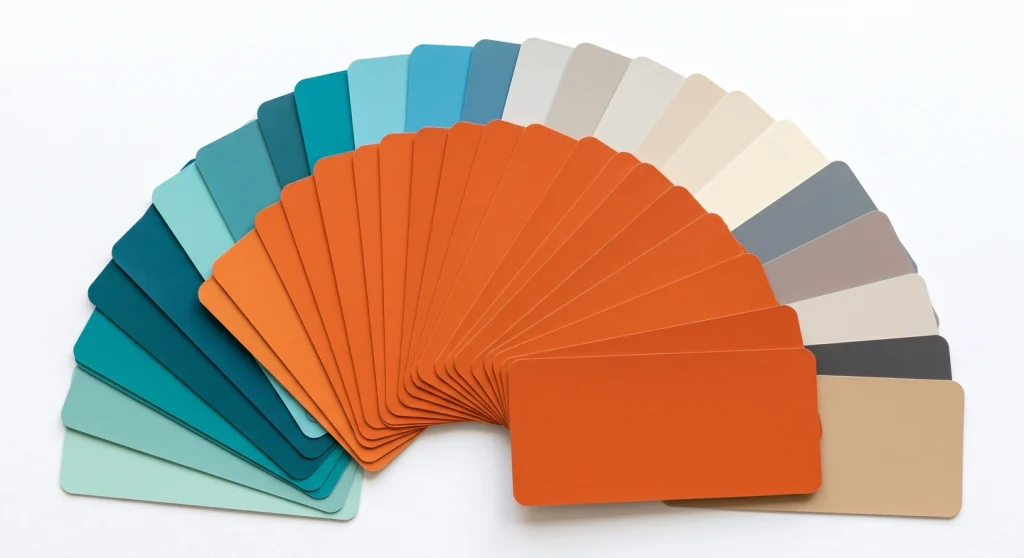
Choosing a brand colour was one of the first decisions I made for MetaBlogue, and I changed my mind three times before settling on the orange you see across this site. The colour itself was the easy part. The hard part was figuring out which colours work alongside it — and whether my text was actually readable on top of it.
Most free colour tools solve only half of that problem. They generate beautiful palettes, but they never tell you if white text on your new brand colour passes accessibility standards. So I built this color palette generator with a WCAG contrast checker built in.
Pick a colour below, and you’ll instantly get complementary, analogous, and triadic palettes plus tints and shades — then check any combination for contrast before it goes anywhere near your site. It’s free, there’s no signup, and everything runs in your browser. No colour you pick ever leaves this page.
1. Pick a colour
Choose a colour with the picker or type a HEX code. Values update instantly.
#D64F15rgb(214, 79, 21)hsl(18, 82%, 46%)2. Generated palettes
Click any swatch to copy its HEX code.
3. WCAG contrast checker
Check whether a text/background colour pair meets WCAG 2.1 AA and AAA requirements.
Large text looks like this (18pt+ or 14pt bold)
Normal body text looks like this. Readers spend most of their time here, so this is the contrast level that matters most.
Contrast ratio: 4.21:1
How to Use This Color Palette Generator
The tool works in three steps, and you can stop at any of them depending on what you need.
1. Pick your base colour
Use the colour picker or type a HEX code directly. If you already have a brand colour, start there — the values update instantly in HEX, RGB, and HSL, with copy buttons for each format.
2. Copy colours from the generated palettes
The tool builds four palettes from your base colour: complementary, analogous, triadic, and tints & shades. Click any swatch to copy its HEX code straight to your clipboard.
3. Check the contrast
Set a text colour and a background colour in the contrast checker, and you’ll see the exact contrast ratio with pass/fail results for WCAG AA and AAA. The swap button flips the pair so you can test both directions.
What Is a Color Palette?
A color palette is the defined set of colours a website or brand uses consistently across all its design elements. A typical blog palette contains two to six colours: a primary brand colour, one or two accents, and neutral shades for text and backgrounds.
Most blogs need fewer colours than people think. When I rebuilt MetaBlogue, I trimmed my palette down to one brand colour, a darker variant of it, and neutrals. The site instantly looked more professional, which surprised me — I expected it to look plain.
Understanding the Four Palette Types
Each palette this tool generates comes from a different relationship on the colour wheel. Here’s what each one is good for:
| Palette type | How it’s built | Best used for |
|---|---|---|
| Complementary | Your colour + its opposite on the wheel | High-impact accents, call-to-action buttons |
| Analogous | Your colour + its two neighbours | Calm, cohesive designs that feel harmonious |
| Triadic | Three colours evenly spaced on the wheel | Vibrant designs that still feel balanced |
| Tints & shades | Your colour blended toward white and black | Hover states, backgrounds, borders, dark mode |
Tints and shades are the ones I use most in practice. A button needs a hover colour, a section needs a subtle background, and a border needs something quieter than the brand colour itself. All of those usually come from the same base colour, just lighter or darker.
What Is WCAG Color Contrast and Why Should Bloggers Care?
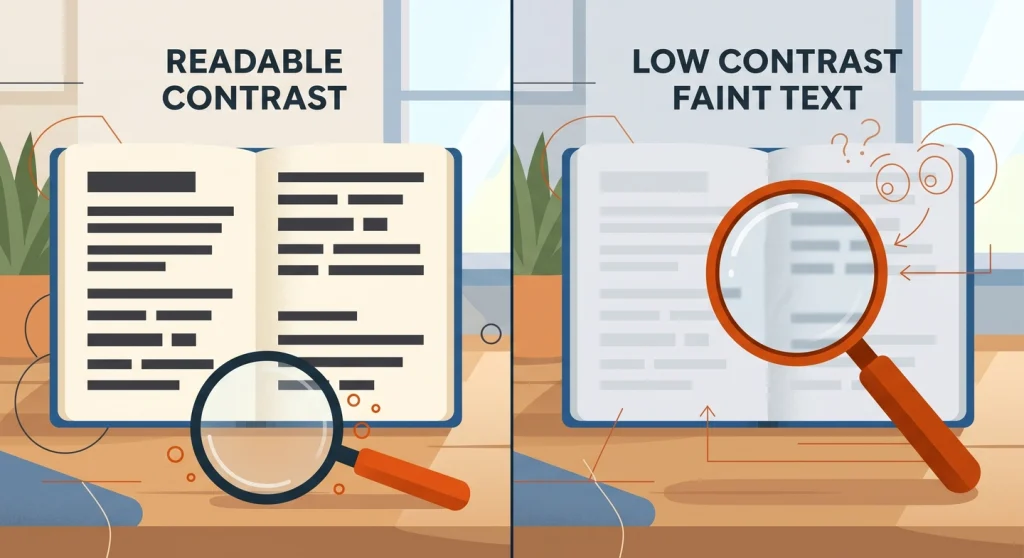
WCAG (Web Content Accessibility Guidelines) is the international standard for making web content usable by people with disabilities, published by the W3C. Its colour contrast rules define how different your text colour must be from its background to stay readable.
WCAG 2.1 requires a contrast ratio of at least 4.5:1 for normal body text and 3:1 for large text at Level AA. The ratio measures the luminance difference between two colours on a scale from 1:1 (identical colours) to 21:1 (black on white). If your body text falls below 4.5:1, a meaningful share of your readers is struggling to read your content.
Large text gets a lower bar because size itself improves readability. WCAG defines large text as 18pt and above, or 14pt and above when bold — roughly 24px regular or 18.5px bold on most sites.
There’s also a stricter Level AAA, which asks for 7:1 on normal text and 4.5:1 on large text. AA is the level most sites target, and it’s the level referenced in most accessibility regulations. AAA is worth aiming for on body text if your audience skews older, since contrast sensitivity drops with age.
Though here’s the part bloggers often miss: contrast isn’t just an accessibility checkbox. Low-contrast text increases bounce rates for everyone, on every screen, in every lighting condition. I’ve abandoned articles myself because someone put light grey text on a white background.
How I Pick Colours for My Blogs
My process is simpler than most colour theory articles make it sound.
I start with one colour that fits the personality of the site — for MetaBlogue, that’s a warm orange that feels energetic without being loud. Then I generate tints and shades of it, and pick a darker shade for hover states and a very light tint for backgrounds.
For text, I don’t use pure black on pure white. A very dark grey like #1F2328 on white still gives you a contrast ratio of nearly 16:1, which sails past AAA while being slightly easier on the eyes.
Then comes the step most people skip: I test my brand colour as a button background with white text. This is exactly the white-text-on-brand-colour combination that fails WCAG AA most often, which is why the contrast checker sits right below the palette generator on this page. If your combination fails for normal text but passes for large text, you can still use it — just keep it for headings and large buttons, and use a darker shade behind smaller text.
One more honest caveat: passing a contrast check doesn’t automatically make a palette good. A palette can be perfectly accessible and still clash. Use the harmony palettes for aesthetics and the contrast checker for readability — you need both.
Frequently Asked Questions
-
What is the best free color palette generator for blogs?
The best free color palette generator for blogs is one that pairs palette generation with contrast checking, because blog colours must be readable, not just attractive. The tool on this page does both in one place, with no signup. Coolors and Adobe Color are excellent alternatives if you want larger palette libraries.
-
How many colors should a blog color palette have?
A blog color palette should have two to six colours. In practice, most blogs work well with one primary brand colour, one accent, and two or three neutral shades for text and backgrounds. More than six colours usually makes a site feel inconsistent.
-
What contrast ratio does WCAG require?
WCAG Level AA requires a contrast ratio of at least 4.5:1 for normal text and 3:1 for large text. Level AAA raises those thresholds to 7:1 and 4.5:1. Large text means 18pt and above, or 14pt and above if bold.
-
What is the difference between WCAG AA and AAA?
WCAG AA is the standard conformance level most websites target and most regulations reference, requiring 4.5:1 contrast for body text. AAA is the enhanced level at 7:1, which improves readability for users with low vision. Meeting AA is expected; meeting AAA on body text is a bonus worth having.
-
Does this tool store or send my colors anywhere?
No — this tool stores nothing and sends nothing. All colour calculations run in your browser using JavaScript, so the colours you pick never leave your device. You can verify this by loading the page once and using it offline.