Featured
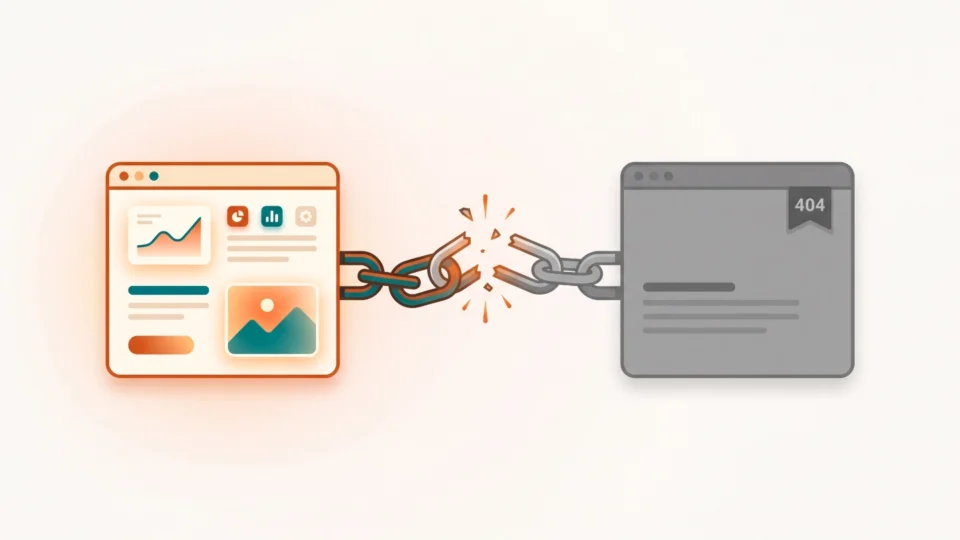
How to Find Internal Broken Links in GA4 and Fix the Source
Learn how to find internal broken links using Google Analytics. Trace 404s back to the page that links to them and fix the source, not just redirect it.
WordPress is the engine behind millions of blogs — but getting the most out of it takes more than just installing a theme. This section covers everything a blogger or site owner needs: theme and plugin reviews, performance tuning, security hardening, server configuration, and hands-on customization with real code examples.
From GeneratePress deep-dives to hosting multiple sites on AWS Lightsail, the guides here are written by someone who runs WordPress in production every day — practical, opinionated, and built to save you time.
Learn how to find internal broken links using Google Analytics. Trace 404s back to the page that links to them and fix the source, not just redirect it.

AWS deprecates Bitnami blueprints in November 2026. Here is how I moved six sites off Bitnami…

Build a custom GeneratePress 404 page with child theme code — a distinct title, search box,…

A step-by-step guide to turn your WordPress blog into a PWA — manifest, service worker, offline…
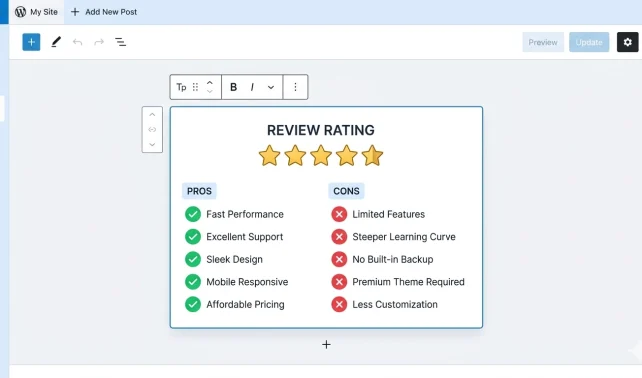
Build a styled editor review rating box with star ratings, pros/cons, and Review schema markup using…
GeneratePress WordPress Theme is one of the fast and reliable WordPress themes. If you are looking…

Optimize images for GeneratePress layout, register custom WordPress sizes, and add them to Gutenberg — complete…
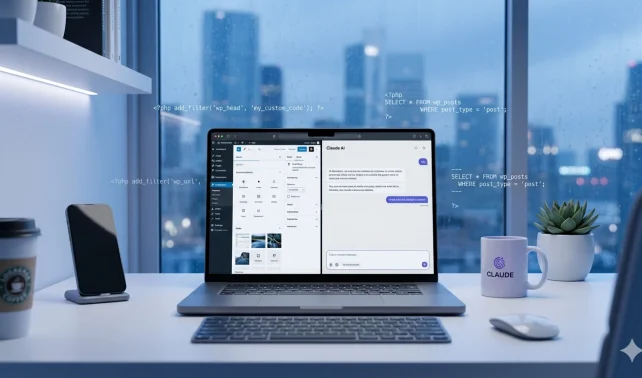
Use Claude AI for WordPress management with real code samples — cron jobs, theme fixes, plugin debugging, backups, and server tasks explained.
Many hackers look for vulnerabilities in WordPress CMS to attack and gain access. Here is how you can protect your WordPress Blog from Brute Force Attack.
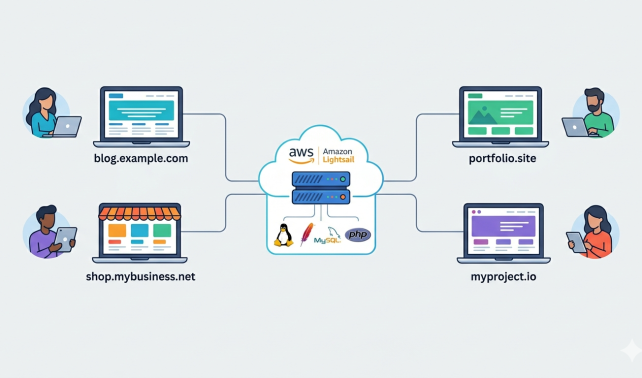
Learn how to host multiple sites with a LAMP stack on AWS Lightsail — WordPress and static sites on one server, step by step.
MetaBlogue
MetaBlogue is an online publication which covers WordPress Tips, Blog Management, & Blogging Tools or Services reviews.