Every time I explain MCP to someone, the same question comes back inside five minutes. “So it just gets to read my whole computer?”
It’s a fair question, and for a long time the honest answer about MCP local file access was “it depends how you configured it.” That is a terrible answer to give anyone about their own files. Worse, the mechanism most tutorials point at, has now been put on a clock.
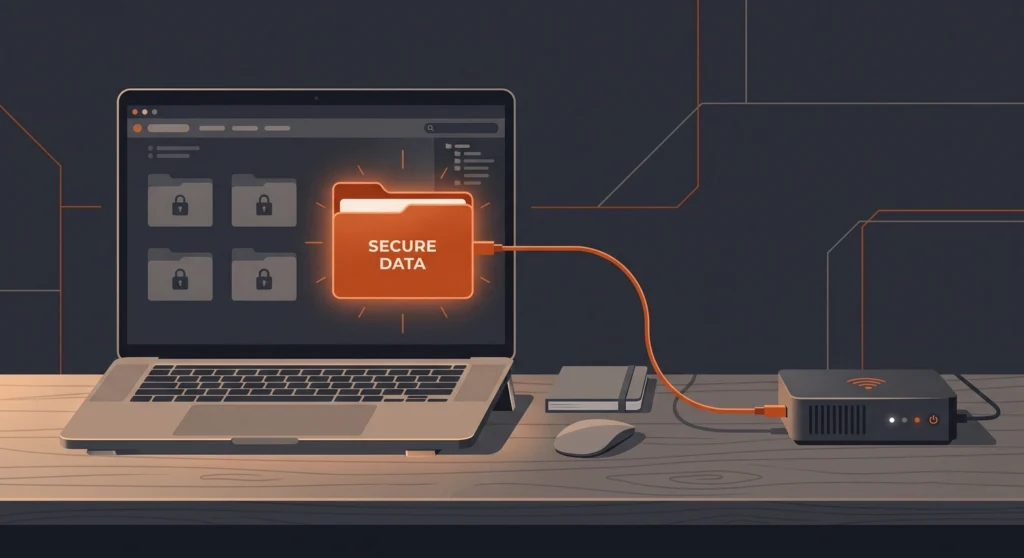
The MCP specification released on 28 July 2026 deprecated Roots — the feature clients used to tell a server which folders it was allowed to look at. The same release removed protocol sessions altogether. So the two things almost every file-access guide still describes are either retired or already gone.
I’ve been rebuilding my own setup around the new spec, and the interesting part isn’t the security. It’s that the security fix and the token fix turn out to be the same fix. In this article I’ll cover the three sanctioned ways to grant MCP local file access now, the guardrails I would not skip, and a worked example — a code-linting server — that shows how to give an MCP full access to a project while sending almost none of it to the model.
What Is MCP Local File Access?
MCP local file access is the permission an MCP server holds to read or write files on your machine, granted through server configuration, tool parameters, or resource URIs. The server does the file work locally; the AI model only ever sees what the server chooses to return.
That last sentence is the part people miss, and it is the whole game. The model is not browsing your disk. A small program running under your user account is browsing your disk, and it decides what to hand back. Which means you have two separate levers, not one.
What the server is allowed to touch is a security question.
What the server sends back is a cost question.
Most guides only ever cover the first one. If you’re new to the protocol itself, my walkthrough on how to set up MCP servers covers the wiring; this article is about what to do once the wiring works.

Why Roots Is No Longer the Answer
Roots was the neat solution. Your client would tell the server “here are the folders I care about,” the server would restrict itself to those, and you could change them at runtime without a restart.
In the reference filesystem server, roots supplied by the client completely replaced whatever directories you’d passed on the command line.
Then it got deprecated.
The 2026-07-28 MCP specification deprecated Roots, Sampling and Logging together under SEP-2577. Deprecated features stay fully functional inside a minimum twelve-month window, and Roots becomes eligible for removal in the first spec revision released on or after 28 July 2027.
So a file server built on Roots today still works — it just has a working life of roughly a year, and new implementations are told not to adopt it.
The spec’s own deprecated features registry names the replacements directly: pass directories or files via tool parameters, resource URIs, or server configuration.
| Method | Where the path lives | Best for |
|---|---|---|
| Server configuration | Launch arguments or env vars, set by you | The outer boundary — the folders that are ever in play |
| Tool parameters | An ordinary argument on each tool call | Picking the specific file or subfolder for this job |
| Resource URIs | A resources/read call against a URI the server publishes | Content the model should be able to browse and quote |
Now, be aware of a gap you’ll hit immediately. The reference filesystem server still documents Roots as the recommended method, because implementations lag the spec — that’s normal, and it isn’t broken.
But if you’re writing a server, or choosing between two community servers, treat Roots support as a legacy feature rather than a selling point.
How Does Stateless MCP Change File Access?
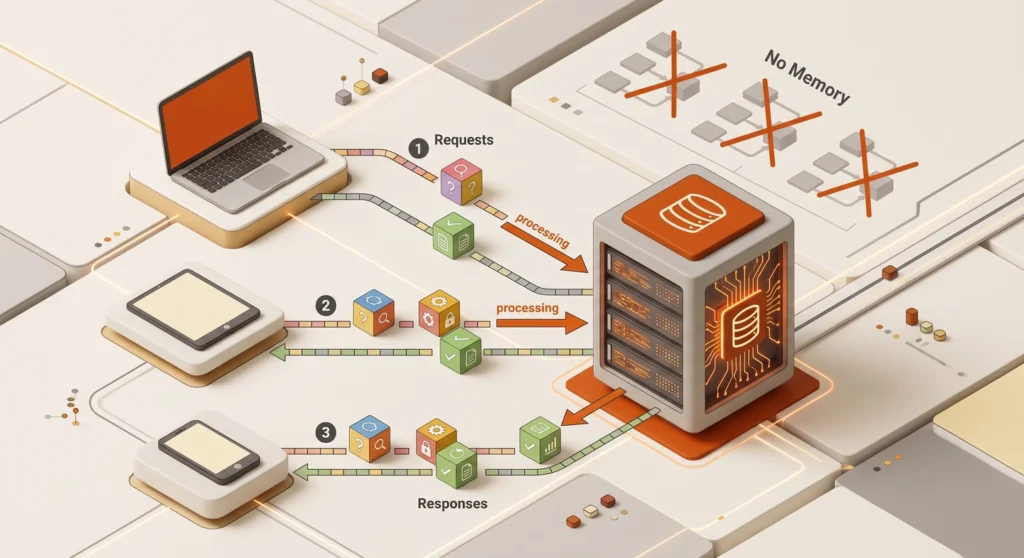
Stateless MCP means every request carries everything the server needs to handle it, with no initialize handshake and no session ID tying calls together — both went in the same release, under SEP-2575 and SEP-2567. The protocol version and client capabilities now travel in each request’s _meta block, and any server instance behind a load balancer can answer any call.
For file access, the practical consequence is blunt: your server cannot remember which folder you were working in.
Under the old model you could imagine a set_project_directory call at the start of a conversation, with everything after it scoped to that folder. That pattern is dead. Lists can no longer change as a side effect of an earlier call either, so you can’t have a connect tool that makes new tools appear afterwards.
What replaces it is the explicit state handle — a server-minted ID returned by one tool and passed back as a plain argument to the next. There’s no protocol machinery behind it. As SEP-2567 puts it, a handle is just a string in a result and a string in an argument, and the pattern is a tool-design convention rather than a spec feature.
Three rules matter if you use handles for file work, and the third one is the one people get wrong:
- Keep them opaque.
lint_a1b2c3invites nothing.lint_sanjeev_metablogue_2026-08-02invites guessing. - Put the lifetime in the tool description, not in your README — “returns a scan_id, valid for 30 minutes” is only useful if the model can read it when it decides to create one.
- Possession is not authorisation. Validate the handle against the caller’s auth context on every single call. Handles land in chat logs, subagent prompts and copy-paste buffers, and a handle that grants file access purely by being known is a credential you’ve published.

The Token Trap Nobody Warns You About
Here’s where the security question and the cost question collapse into one.
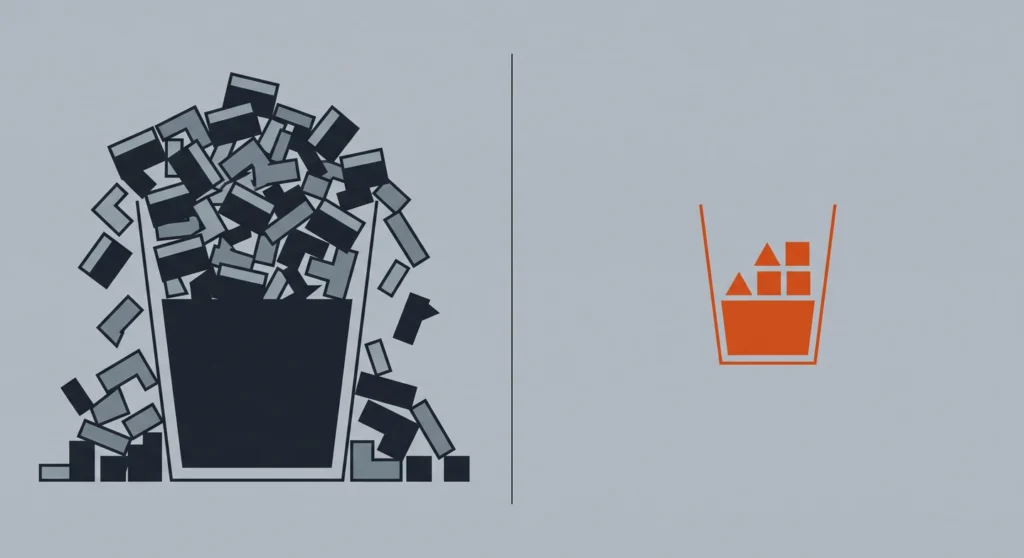
Ask a naive file MCP to lint a project and it does the obvious thing. It lists the directory, reads each file, and returns the source. Your model receives the entire codebase and is asked to spot problems in it.
Let’s do the arithmetic, because it’s worse than it feels. Source code costs roughly one token per four characters, so a 400-line TypeScript file runs about 3,500 to 4,500 tokens. A modest project with 30 such files is therefore somewhere around 120,000 tokens just to read once. On a 200K context window you have spent well over half your working memory before the model has formed a single opinion.
Now compare that to what you actually wanted. ESLint’s JSON output for the same project, assuming it finds a dozen problems, is a few hundred tokens. File path, line, column, rule name, message. That’s it.
So the wasteful design and the safe design are the same design. A server that returns findings instead of files reads less into the context and exposes less of your code at the same time. Every byte you don’t ship is a byte that can’t be leaked, can’t be logged, and can’t be paid for. I went into the broader maths of this in my piece on skills vs MCP token usage, and the pattern holds everywhere: the cheapest context is the context you never load.
The rule I now apply to every file-touching tool I write: move the work to the files, never the files to the model.
How to Build a Token-Efficient Linting MCP Server
Let’s make that concrete. Here’s how I’d structure a linting server under the current spec, in the order the decisions matter. If you’re never going to write one yourself, read it as a checklist instead — these are the five things I look at before I let somebody else’s server near a project of mine.
1. Set the boundary in configuration
Pass the project root as a launch argument and let nothing widen it at runtime. This is your outer fence, it’s set by you rather than by the model, and it survives everything the conversation does afterwards. The package name below is a stand-in — swap in whichever linting server you’re actually running.
{
  "mcpServers": {
    "linter": {
      "command": "npx",
      "args": ["-y", "my-lint-mcp", "--root", "/Users/you/projects/site", "--read-only"]
    }
  }
}
2. Take the target as a tool parameter
The tool accepts a relative path — a file or a subfolder — and resolves it inside the root. This is the Roots replacement, and it has a real advantage: the scope is visible in the tool call, so you can see exactly what was touched.
3. Run the linter locally and return only findings
The server shells out to ESLint, PHPCS, Ruff, whatever the project uses, and returns structured results. No file contents. If a rule genuinely needs surrounding code to be understood, return three lines of context, not the file.
{
  "structuredContent": {
    "scan_id": "scn_7f3a9c",
    "files_scanned": 34,
    "issues": [
      { "file": "src/api/auth.ts", "line": 88, "rule": "no-explicit-any", "severity": "warning" }
    ]
  }
}
4. Use a handle for the follow-up
The model will want to act on the results, and it shouldn’t have to re-scan to do it. Return a scan_id, and let get_issue_context(scan_id, issue_index) fetch the relevant snippet on demand. The full scan is one cheap call; the expensive detail is pulled only for issues the model actually works on.
5. Let the client cache what doesn’t change
The spec now requires ttlMs and cacheScope on list and read results, so clients know how long they may hold a response. Set cacheScope to private for anything derived from your files — you do not want a shared intermediary caching your source. Returning tools in a deterministic order helps too, since a stable tool list improves prompt cache hits across sessions.
The net effect on a real scan: one tool call returning a few hundred tokens, plus a handful of snippet fetches. Against 120,000 tokens for the naive version.

The Guardrails I Would Not Skip
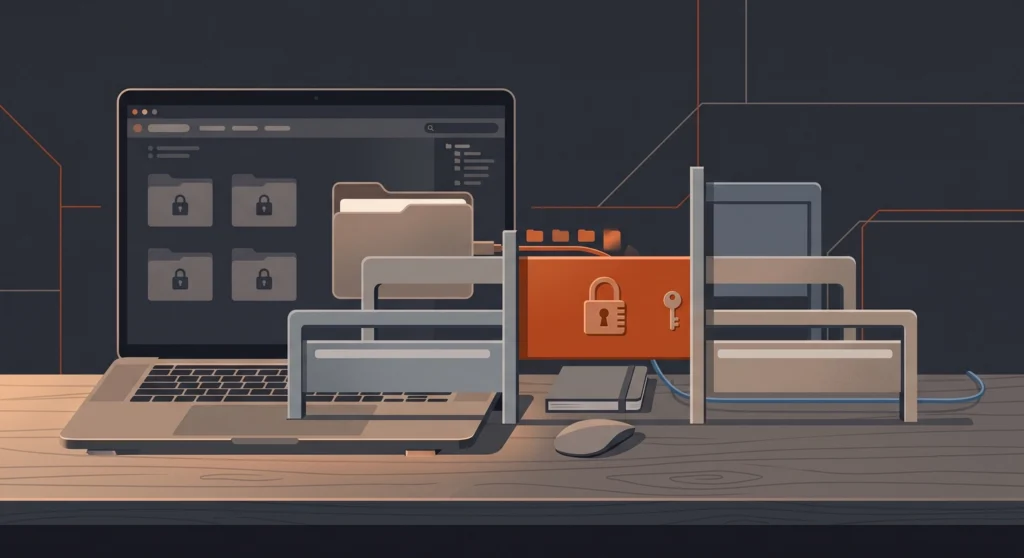
Configuration scoping is necessary and nowhere near sufficient. These are the ones that have actually saved me something.
- Canonicalise every path before you use it. Resolve
.., resolve symlinks, then check the result is still inside the root. A symlink pointing out of your project is the oldest escape in the book. - Split read and write into separate servers. Most work is read-only. Run a read-only instance for analysis, and only start a writing instance when you’re genuinely refactoring.
- Deny secrets explicitly, don’t rely on scope.
.env,.git, key files, credential stores — block them by pattern even inside an allowed folder. I wrote a full breakdown of this in protecting your secrets from AI coding tools, and it applies double to MCP servers. - Cap sizes on both ends. A maximum bytes-read per call and a maximum response size. Without an output cap, one
directory_treeonnode_modulesempties your context. - Never accept a shell command as a parameter. If your tool takes a path, take a path. The moment a tool argument becomes an executable string, your allowlist is decorative.
- Log to stderr and keep it. The Logging feature was deprecated alongside Roots; for stdio servers the guidance is stderr, or OpenTelemetry if you want real observability. Either way, an audit trail of which files were read is worth having before you need it.
- Treat file contents as untrusted input. A README, a code comment or a config file can contain text aimed at the model. Your server reads it as data — make sure your prompts frame it as data too.
That last one deserves a line of its own. File content that an MCP server returns is data, not instructions, and a server that blurs the line turns any writable file in your project into an injection point.
Anyone who can open a pull request against your repo can put text in a comment. If your agent treats that text as a command, the repo is the attack surface. Broader AI project guardrails help here, but the server-side framing is where it has to start.
What This Looks Like on My Own Machine
I run file access per project, never globally. Where I do want files changed in place, the read-write server is scoped to that single project folder and nothing above it. My WordPress child theme work gets read-only by default, and I start the writing instance deliberately when I’m making changes.
Nothing is scoped at my home directory. Not once, not “just for a minute.”
The change that made the biggest practical difference wasn’t a permission at all — it was moving work out of the context entirely. Linting, link checking, image optimisation: these are jobs where a script produces a small verdict from a large input. Every one of those I’ve pushed into a server that returns the verdict has made sessions faster and cheaper, and there’s a wider version of that argument in my notes on saving AI tokens.
If you take one thing from this: scope the folder in configuration, pass the file in the call, and return the answer rather than the bytes. That covers the security question and the cost question in one move, and it’s the shape the protocol is now pushing everyone towards anyway.
FAQ’s about MCP Local File Access
Is the MCP Roots feature removed or just deprecated?
Roots is deprecated, not removed. It was deprecated in the 2026-07-28 specification and remains fully functional during the deprecation window, becoming eligible for removal in the first spec revision released on or after 28 July 2027. Existing servers keep working, but new implementations should use server configuration, tool parameters, or resource URIs instead.
How do I limit which folders an MCP server can read?
The most reliable way to limit an MCP server’s folder access is to pass the allowed directories as launch arguments in your client’s configuration file. That boundary is set by you rather than negotiated at runtime, so nothing in the conversation can widen it. Add explicit deny patterns for secrets, and canonicalise paths server-side to block symlink escapes.
Does an MCP server read files into my context window?
An MCP server reads files into your context window only if its tools are designed to return file contents. The server runs locally and chooses what to send back, so a well-built one returns a compact result — lint findings, a summary, a count — while the source itself never reaches the model. This is a tool-design decision, not a protocol limitation.
What replaces sessions for multi-step file work in stateless MCP?
Explicit state handles replace sessions. A tool returns a server-minted ID, and the model passes that ID back as an ordinary argument on later calls. Handles should be opaque, given a documented lifetime, and validated against the caller’s authorisation on every call — possession alone must never grant access.
Can an MCP server access files outside its allowed directories?
An MCP server should not access files outside its allowed directories, but the enforcement is entirely the server’s own code. It runs under your user account with your permissions, so a bug in path validation, an unresolved symlink, or a tool that accepts shell input can all reach beyond the boundary. Sandboxing the server in a container with a read-only mount adds a layer your own code can’t undermine.